
实验方案(Protocols)
Instructions for Selecting Compounds and Creating a Customized Screening Library
Instructions for Selecting Compounds and Creating a Customized Screening Library
Welcome to Aladdin Scientific’s platform! Follow these steps to select your compounds and create a customized screening library for your research needs.
Step 1: Browse and Select Compounds
1. Navigate to the Compounds Page:
- Visit our Compounds page, which lists more than 2.4 million compounds.
2. Filter or Search:
- Use the search bar or filters to find compounds based on parameters like molecular weight, targets, or bioactivities.
3. Select Compounds:
- To select a compound, click the checkbox ☑ next to its entry.
- You can select multiple compounds as needed.
4. Download Your Selection:
- After selecting your desired compounds, click ⬇CSV ,⬇SDFor ⬇TSV to download the selected compound list.
Step 2: Upload Your Selection to Customize Your Screening Library
1. Access the "Customize Your Screening Library" Page:
- Visit the Customize Your Screening Library page.
2. Prepare Your Selection:
- Open the downloaded CSV/TSV/SDF file and ensure all selected compounds are marked correctly.
- Save any edits to the file if necessary.
3. Upload Your Compound List:
- In the "Compound Selection" section, click Upload Your Selected Compound List and select your saved CSV/TSV/SDF file.
4. Specify Research Area:
- In the provided field, specify your research area or the target family you are focusing on.
Step 3: Customize the Format
1. Choose the Format:
- Indicate whether you prefer the compounds in solution (10 mM in DMSO) or in dry form.
2. Select Volume:
- Choose a standard volume of 1 mL or 50 μL, or specify a custom volume (within 50 μL to 1 mL).
3. Select Tube Type:
- Choose between Aladdin-provided tubes or your own tubes for delivery.
4. Add Additional Instructions:
- Provide any special instructions or notes relevant to the customization.
Step 4: Submit and Verify Your Request
1. Complete the Upload:
- Ensure the file is successfully uploaded by checking the upload progress indicator.
2. Captcha Verification:
- Complete the captcha verification by clicking "Reload captcha" if needed.
3. Submit Your Request:
- Click Submit to finalize your customized screening library request.
Confirmation and Support
- Once your request is submitted, our team will process your selection, and you will receive a confirmation email.
- For further assistance, please contact our support team at customer support.


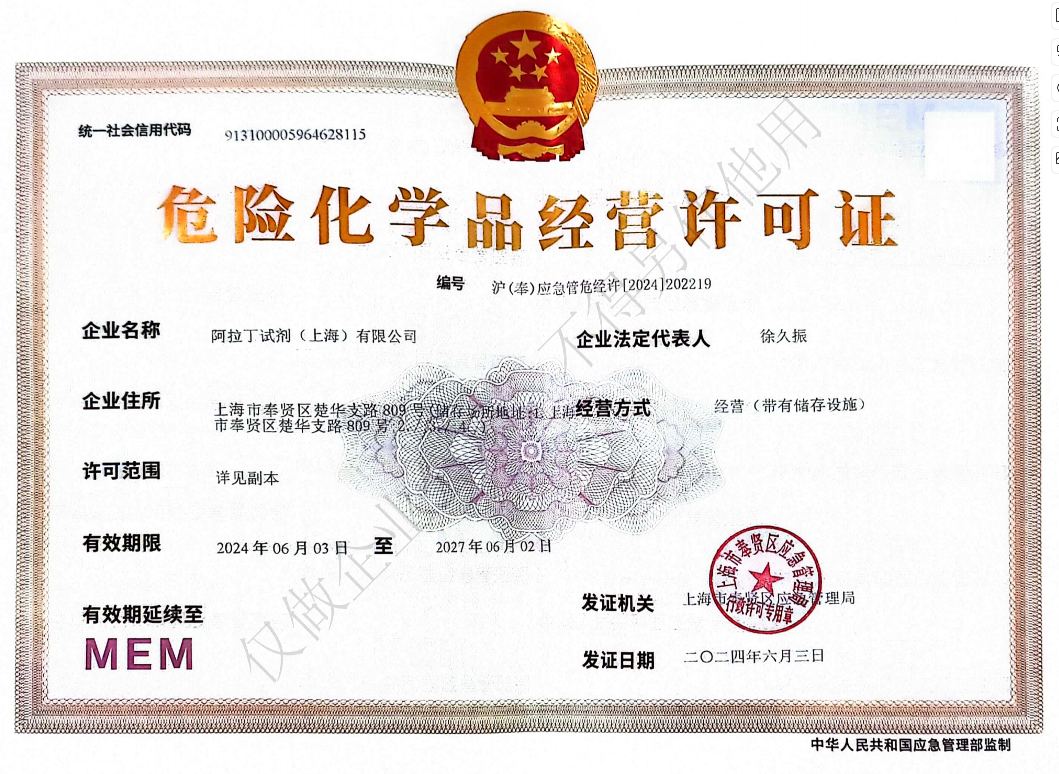 危险品化学品经营许可证(带存储)